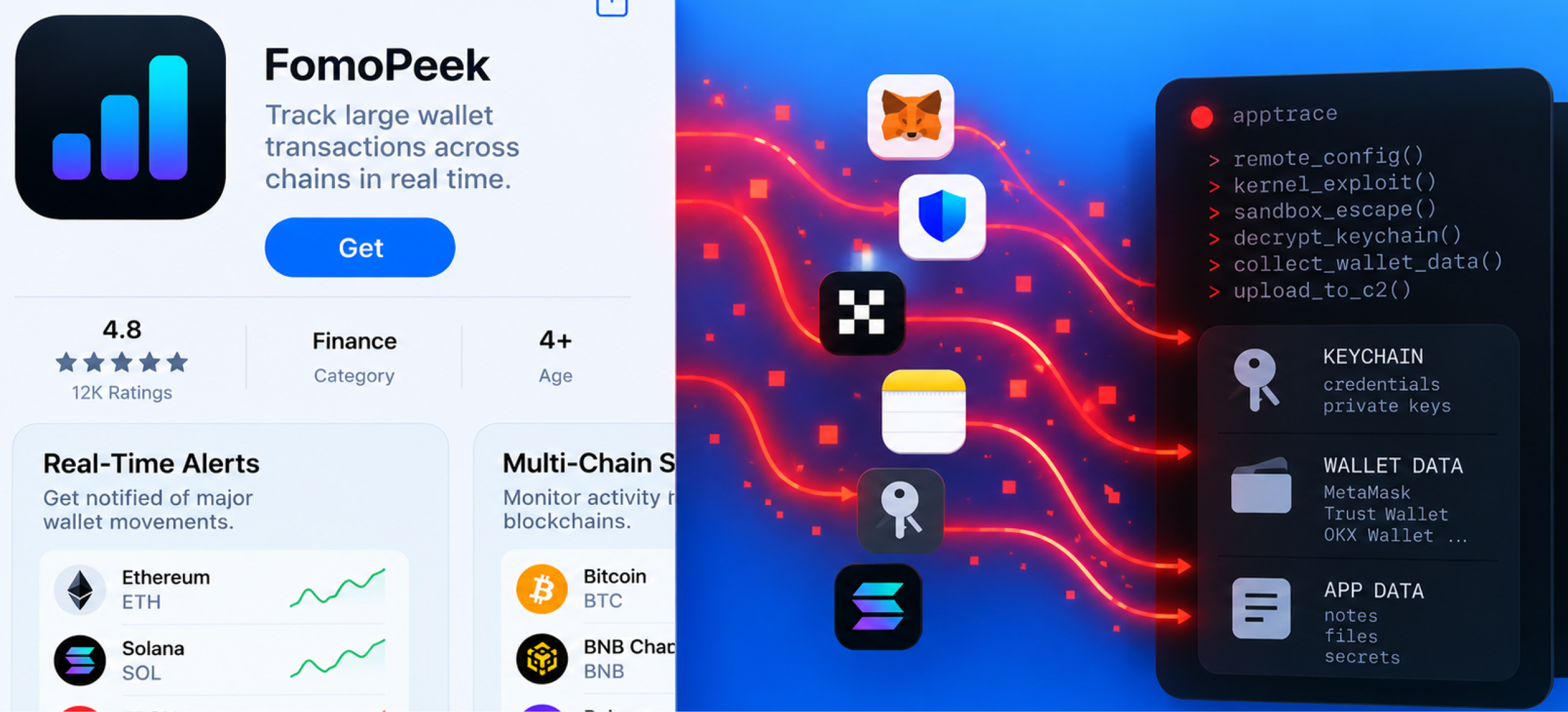
Security researchers found that versions 1.1 and 1.2 of the crypto-tracking app contained hidden modules capable of kernel exploitation, sandbox escape and cross-app data collection.
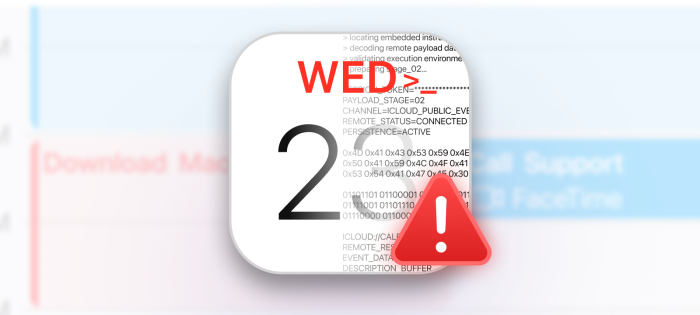
A new MacSync malware campaign is abusing public iCloud calendars to hide malicious commands while targeting passwords, credentials, crypto wallets, and other sensitive Mac data.
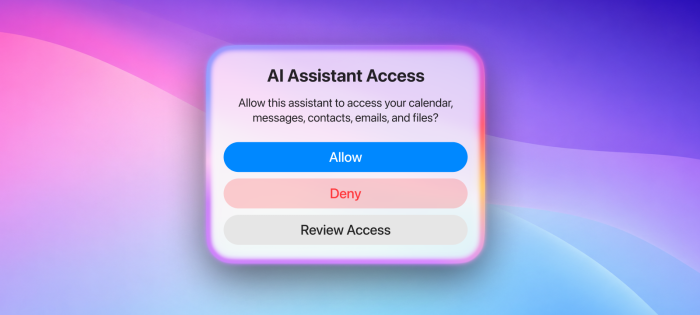
Apple and European regulators disagree over how much access third-party AI assistants should receive to messages, files, contacts, and other personal data.
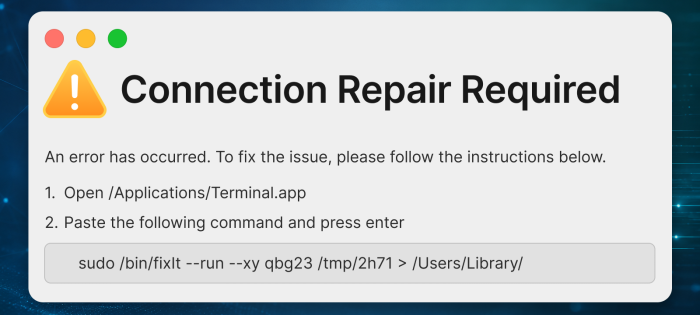
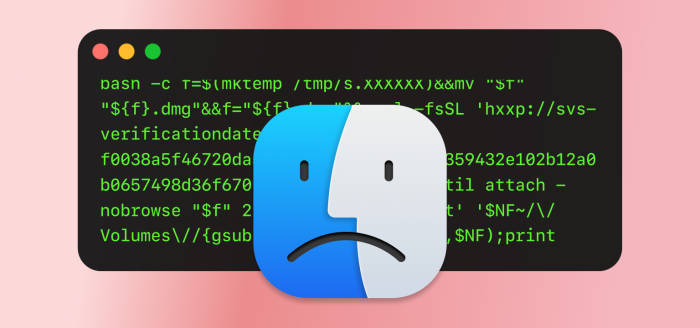
ClickLock Stealer tricks Mac users into running malicious Terminal commands, then pressures them into entering their password through a fake system prompt.
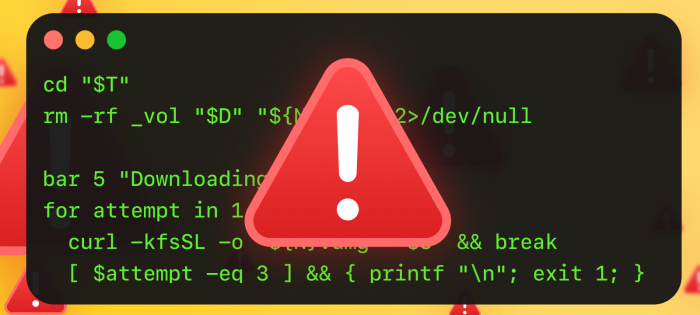
CrashStealer uses a fake Apple crash report and password prompt to steal sensitive data from Mac users. Learn how it works and how to protect your Mac.
This week in Mac security: CrashStealer targets Mac passwords and data, Apple tests new macOS releases, and powerful AI tools raise fresh privacy concerns.
Mac users face new AI scams, fake verification pages, malicious Terminal commands, and risky downloads. Learn how to update safely and avoid common threats.
Practical Mac security starts with smart habits. Learn how safer downloads, cautious use of Terminal, trusted app updates, and thoughtful AI privacy settings can help protect your Mac and personal data.
April 2026 shows a shift in macOS security: while Apple patches vulnerabilities, attackers increasingly rely on social engineering, fake updates, and user trust to bypass protections.
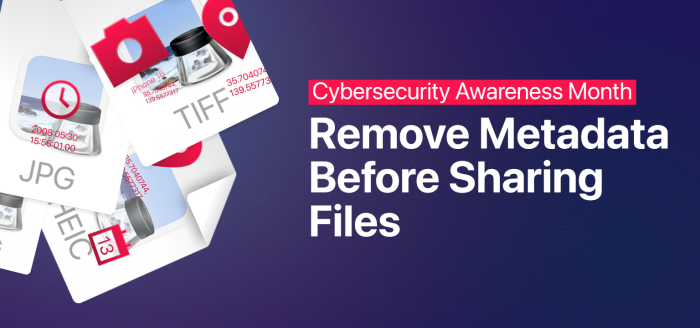
Metadata hidden inside files can quietly expose details like your name, device, or even GPS location when you share them. Knowing how to spot and strip this data helps protect your privacy before sending files online.
 Security