ClickLock Stealer Uses Fake Fixes to Steal Mac Passwords
Mac users faced a familiar but increasingly serious security problem this week. Criminals are not relying only on complicated software vulnerabilities. Instead, many attacks now depend on convincing people to run harmful commands, enter their Mac password, or install an application from an untrusted website.
ClickLock Stealer shows how aggressive these attacks have become. At the same time, Moonlock’s mid-2026 macOS threat report found that attackers are getting better at reusing methods that already work, particularly fake troubleshooting instructions and misleading software downloads.
ClickLock Stealer Pressures Mac Users Into Giving Up Their Passwords
Security researchers at Group-IB published an analysis of ClickLock Stealer on July 16. The previously undocumented Mac threat appears to be distributed through a social-engineering technique commonly called ClickFix.
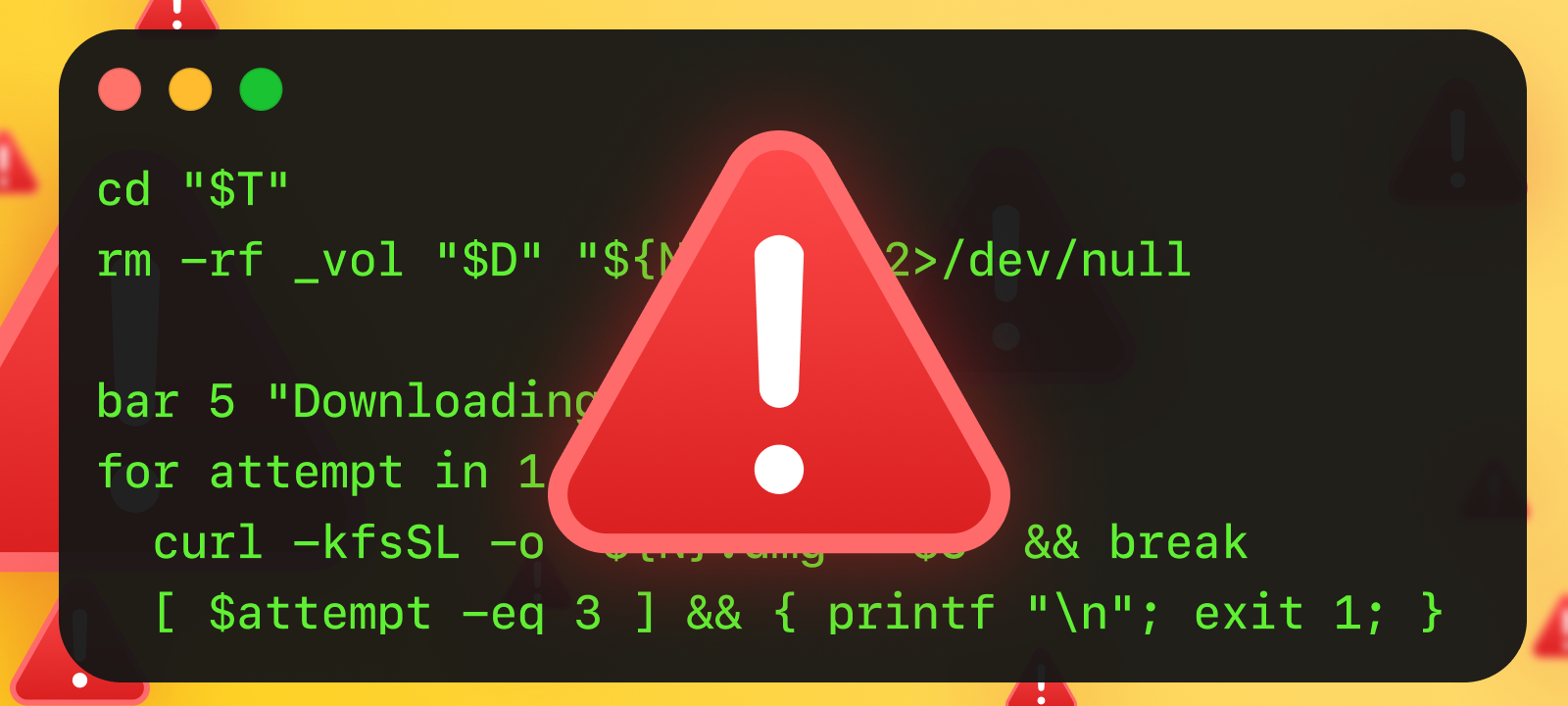
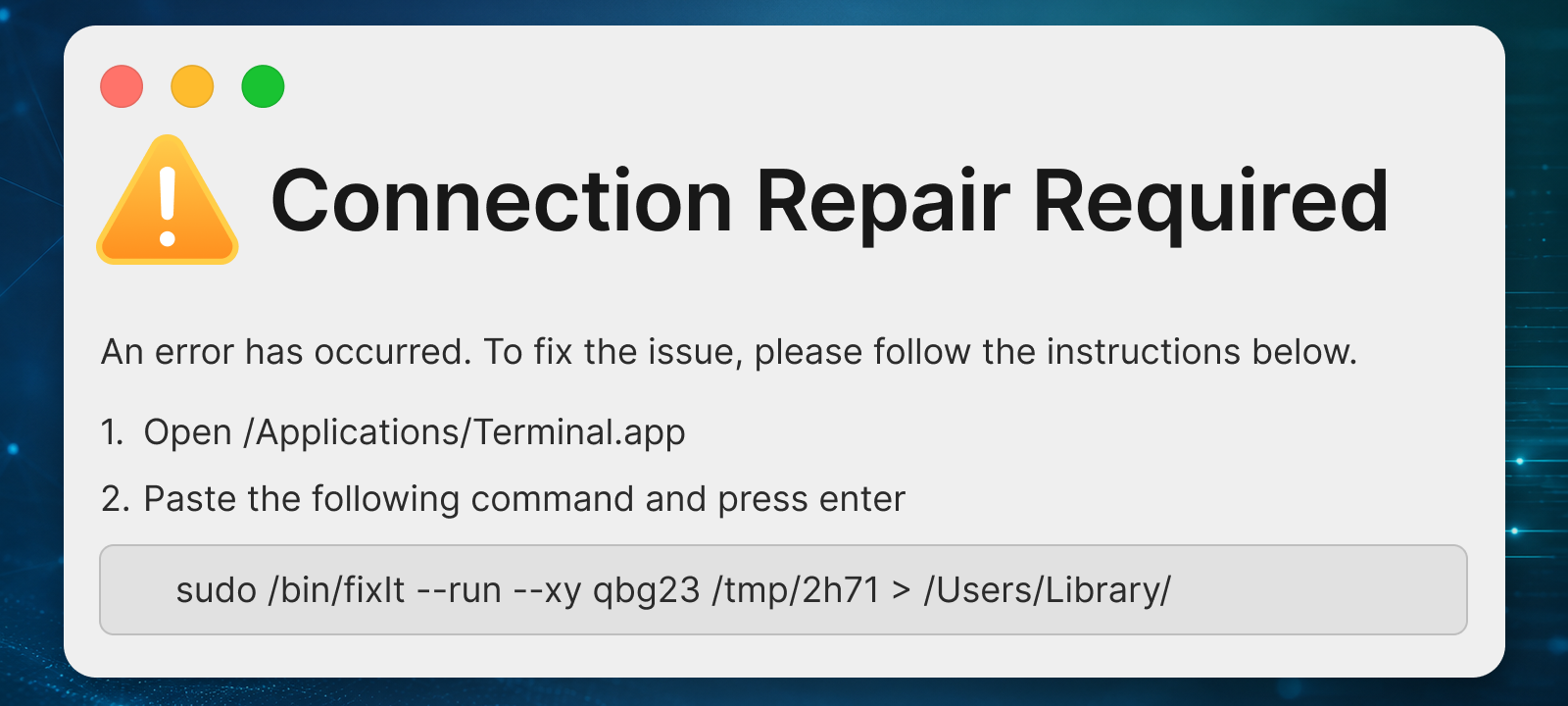
A fraudulent website claims that something has gone wrong and offers instructions that supposedly fix the problem. The instructions usually tell the visitor to copy a command, open Terminal, paste the command, and press Return. The command is not a repair; it installs or launches malware.
This approach is effective because the person using the Mac performs the dangerous action themselves. The attack may not begin with a traditional application download, and there may be no unsigned program for Gatekeeper to block. To the Mac, it can initially look like the owner is intentionally running a Terminal command.
Group-IB researchers found that ClickLock Stealer can target information stored by web browsers, cryptocurrency wallet extensions, password manager extensions, desktop cryptocurrency wallets, the macOS Keychain, shell history, and file-transfer software. The malware supports theft from eight browsers, seven password-manager extensions, 31 cryptocurrency-wallet extensions, and eight desktop wallet applications.
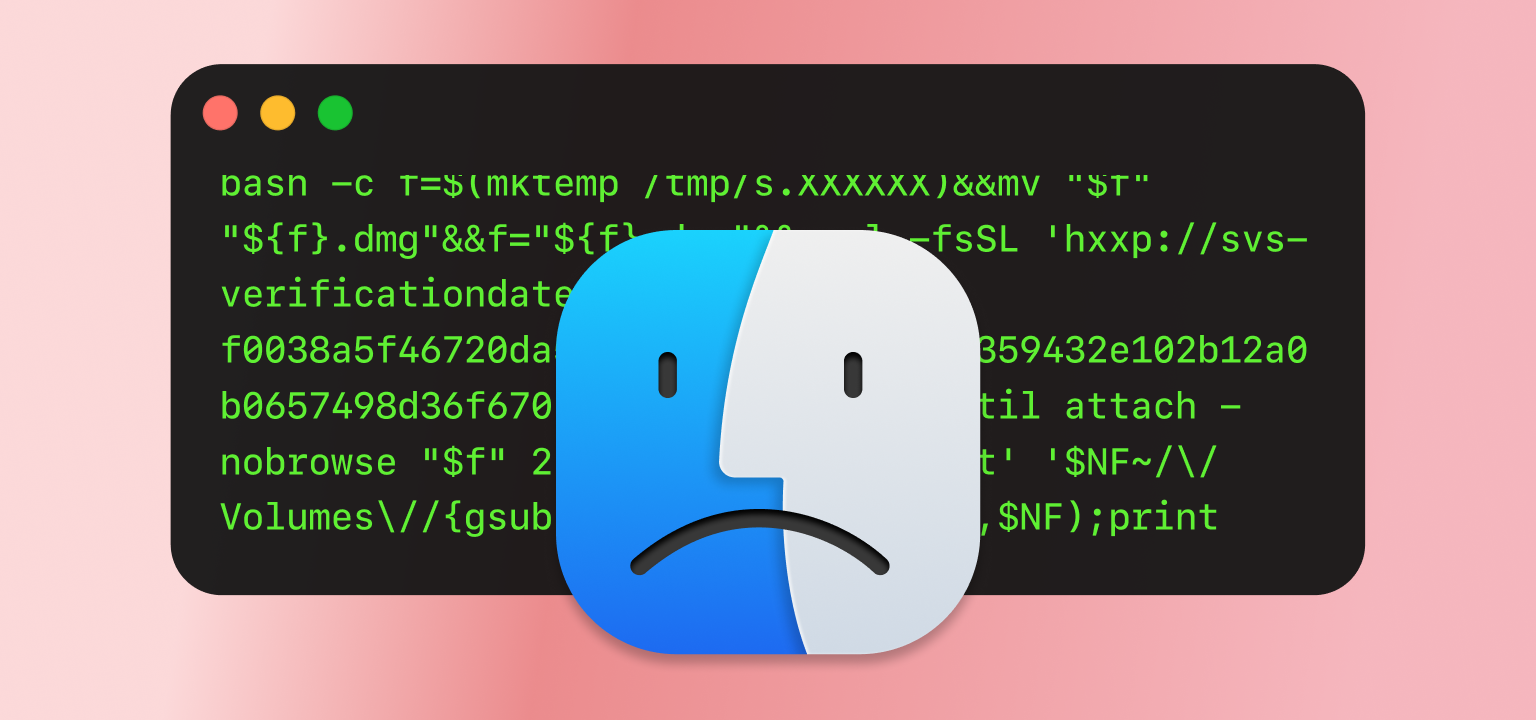
The malware becomes more coercive after the initial command runs. According to Group-IB, ClickLock can repeatedly interfere with normal use of Finder and Terminal while displaying a fake password request. The pressure continues until the person enters a password or finds another way to stop the process. The prompt is not a legitimate macOS request; the attacker’s software is collecting the password.
Once ClickLock has the password, it can use it to access protected information, including items stored in the user’s Keychain. It can also collect browser cookies, saved logins, cryptocurrency information, shell history, files, and other data that could help criminals take over accounts.
Group-IB identified possible victims across Europe, North America, the Middle East, and Africa, with the strongest concentration in Europe. The researchers believe the threat is being distributed through compromised websites and fake troubleshooting pages.
Why This Attack Is Important
ClickLock does not need an undisclosed flaw in macOS to succeed. It relies on a sequence of actions that can appear reasonable when someone is under pressure:
- A website claims that an error has occurred.
- The website supplies a command as the solution.
- The user opens Terminal.
- The user pastes and runs the command.
- A fake prompt asks for the Mac password.
- The password is entered because the computer appears to be malfunctioning.
Each step may seem believable on its own. Together, they give the malware everything it needs. This also explains why some modern Mac attacks are difficult to prevent through technical controls alone: macOS cannot always determine whether a command intentionally entered by the account owner came from a trusted administrator or a fraudulent website.
The rule is simple: do not paste commands into Terminal because a website, advertisement, online chat, CAPTCHA, video call, or unexpected support message tells you to do so.
Legitimate websites rarely need visitors to repair browser problems by running Terminal commands. A real CAPTCHA will not require Terminal. A video service will not require a command to restore audio. A document should not need a shell script before it can be opened.
What to Do After Running a Suspicious Command
Anyone who recently pasted an unfamiliar command into Terminal should treat the Mac as potentially compromised, even if nothing unusual is visible. Disconnect it from the internet and use another trusted device to change important passwords, starting with the primary email account, Apple Account, password manager, financial accounts, cryptocurrency services, and work-related accounts.
Where available, sign out existing sessions from each account’s security settings. Changing a password may not invalidate browser cookies or authentication tokens that were already stolen.
The Mac should then be examined using trusted security software. Review installed applications, browser extensions, login items, configuration profiles, and background services, and look for unfamiliar files in the Applications and Downloads folders. Do not change passwords from the affected Mac before it has been checked, because the same malware could capture the new credentials.
Attackers Are Improving Old Methods Instead of Inventing New Ones
Moonlock Lab’s mid-2026 macOS threat report concludes that criminals did not need an entirely new type of attack during the first half of the year. They became more effective at using techniques that were already successful.
The report describes a threat environment in which Windows and Mac attacks are increasingly connected. Some campaigns use the same websites, servers, operators, and delivery methods while providing a different malicious program depending on the visitor’s operating system. Mac users are no longer necessarily an afterthought; an operation can be designed from the beginning to target both platforms.
Moonlock also found that techniques once associated with sophisticated or government-linked groups are appearing in ordinary criminal campaigns. These include fake job-recruitment conversations, misleading video-call repairs, Terminal-based infection methods, and attacks aimed at developers or cryptocurrency users.
Most Mac Detections Are Still Adware and Unwanted Programs
According to Moonlock’s endpoint data, adware accounted for approximately 65 percent of detections during the first half of 2026, while potentially unwanted applications accounted for another 25 percent. Password stealers, backdoors, and trojans represented a much smaller portion of overall detections, but their potential damage is far greater. A single stealer may provide access to email accounts, saved browser sessions, financial services, work systems, cloud storage, and cryptocurrency wallets.
Adware remains successful because it is profitable and frequently tolerated for too long. It may change browser settings, inject advertisements, redirect searches, collect browsing information, or repeatedly encourage the installation of more software. Unwanted programs can also make a Mac feel slow or unreliable, and their advertisements and redirects may eventually lead to more serious scams.
Strange browser behavior should not be ignored simply because it does not appear to be a major infection. Persistent pop-ups, unexpected search engines, unfamiliar extensions, and repeated redirects are warning signs that deserve attention.
A Signed or Notarized Application Is Not Automatically Safe
Apple’s signing and notarization systems provide valuable protection, but they should not be treated as a guarantee that an application is trustworthy. Code signing helps identify who signed an application and whether it was altered after signing. Notarization means Apple’s automated systems examined a submitted application and did not identify a known problem at that time. Neither process can permanently prove that an application is harmless.
Malware developers may use stolen or fraudulently obtained developer credentials, and a harmful application may avoid detection when it is first submitted. Certificates can later be revoked and detections can be added, but some users may already have installed the program.
Moonlock reported that roughly one-fifth of the malicious samples it examined carried valid or recently revoked Apple Developer certificates. That figure comes from Moonlock’s own research sample and should not be interpreted as a measurement of all Mac applications. It does show why signing should be considered one trust signal rather than the final answer.
The source of an application still matters. Software should be obtained from the Mac App Store or directly from the verified website of its developer whenever possible. Search advertisements deserve particular caution because criminals can purchase ads or manipulate rankings so fraudulent download pages appear before the legitimate website.
AI Advice Can Also Be Used as an Attack Delivery Method
Moonlock’s report notes that criminals have used shared AI conversations and AI-themed tools as part of malware delivery. This does not necessarily mean the AI service itself has been compromised. Attackers can create a convincing shared conversation containing a harmful command or download link, then distribute it as though it were trustworthy technical guidance.
The authority associated with an AI response may make the instructions feel safer than those on an unfamiliar website. A command should not be trusted merely because it appears in an AI conversation.
Check the source, understand the command, and confirm the instructions through official documentation before running anything that changes a Mac.
 SecureMac is dedicated to cutting through the noise and helping people stay safe, informed, and confident with their Macs. Lover of all things mac-security.