Security Patches, Safer Messaging, and AI-Assisted Vulnerability Research
This week brought a useful mix of Apple security news, privacy news, and artificial intelligence news that matters to everyday Mac users.
Apple released macOS Tahoe 26.5 with a long list of security fixes. Apple and Google also began rolling out end-to-end encrypted RCS messaging in beta, which is a meaningful privacy improvement for conversations between iPhone and Android users. At the same time, security researchers reported new macOS malware that pretends to be an Apple security update, while another team showed how AI can help researchers find serious Mac vulnerabilities faster.
The simple takeaway is this: keeping a Mac updated still matters, but so does slowing down when a website, pop-up, or installer claims that something urgent needs to be fixed.
Apple releases macOS Tahoe 26.5 with important security fixes
Apple released macOS Tahoe 26.5 on May 11, 2026. Apple’s own security notes describe a wide range of fixes across macOS, including issues that could affect privacy settings, user data, media files, system stability, app sandboxing, and deeper system components. Apple says it does not disclose or confirm security issues until patches or releases are available, which is why these details usually arrive when the update is ready for users to install.
For home users, the most important point is not the number of technical items in the update. It is that this is the kind of release that should not be ignored. Security updates often fix problems that most people will never see directly, but those fixes can still protect the Mac during normal activity, such as opening files, browsing the web, using apps, receiving media, or connecting to networks.
Apple’s notes include a fix for an Accounts issue where an app may have been able to bypass certain Privacy preferences. Apple says that permissions issue was addressed with additional restrictions. That is especially relevant because Mac users rely on Privacy settings to control which apps can access sensitive areas such as files, photos, camera, microphone, location, and other data.
The update also includes fixes for issues where apps may have been able to access private information, escape a sandbox, gain root privileges, or cause unexpected behavior. These are not everyday phrases most users need to memorize. In plain English, some of the fixes close doors that could have allowed malicious or poorly behaving software to reach places it should not reach.
Security researchers at Trend Micro’s Zero Day Initiative counted 82 unique CVEs across Apple’s May macOS updates, including 79 for macOS Tahoe 26.5, 45 for macOS Sequoia 15.7.7, and 42 for macOS Sonoma 14.8.7. Their review called attention to several serious-looking issues, including Wi-Fi, mDNSResponder, and kernel vulnerabilities.
That does not mean Mac users should panic. It means this week’s macOS update is worth treating as a normal security maintenance step, not as an optional cosmetic update.
What Mac users should do about the update
The safest general advice is to install Apple updates when they are available, especially when they include security fixes. A good routine is to open System Settings, choose General, then choose Software Update. Before updating, connect the Mac to power, make sure important work is saved, and confirm backups are current.
For users who manage a family Mac, a shared Mac, or a Mac used for work and home tasks, it is worth checking that updates are not stuck waiting for approval. It is common for people to postpone updates because they are busy, then forget about them for days or weeks. That delay is exactly what attackers hope for after security fixes become public.
A weekly habit is enough for most people. Check Software Update once a week, install available updates, and restart when needed. That routine protects against many problems without requiring users to follow every security bulletin.
Encrypted RCS messaging begins rolling out in beta
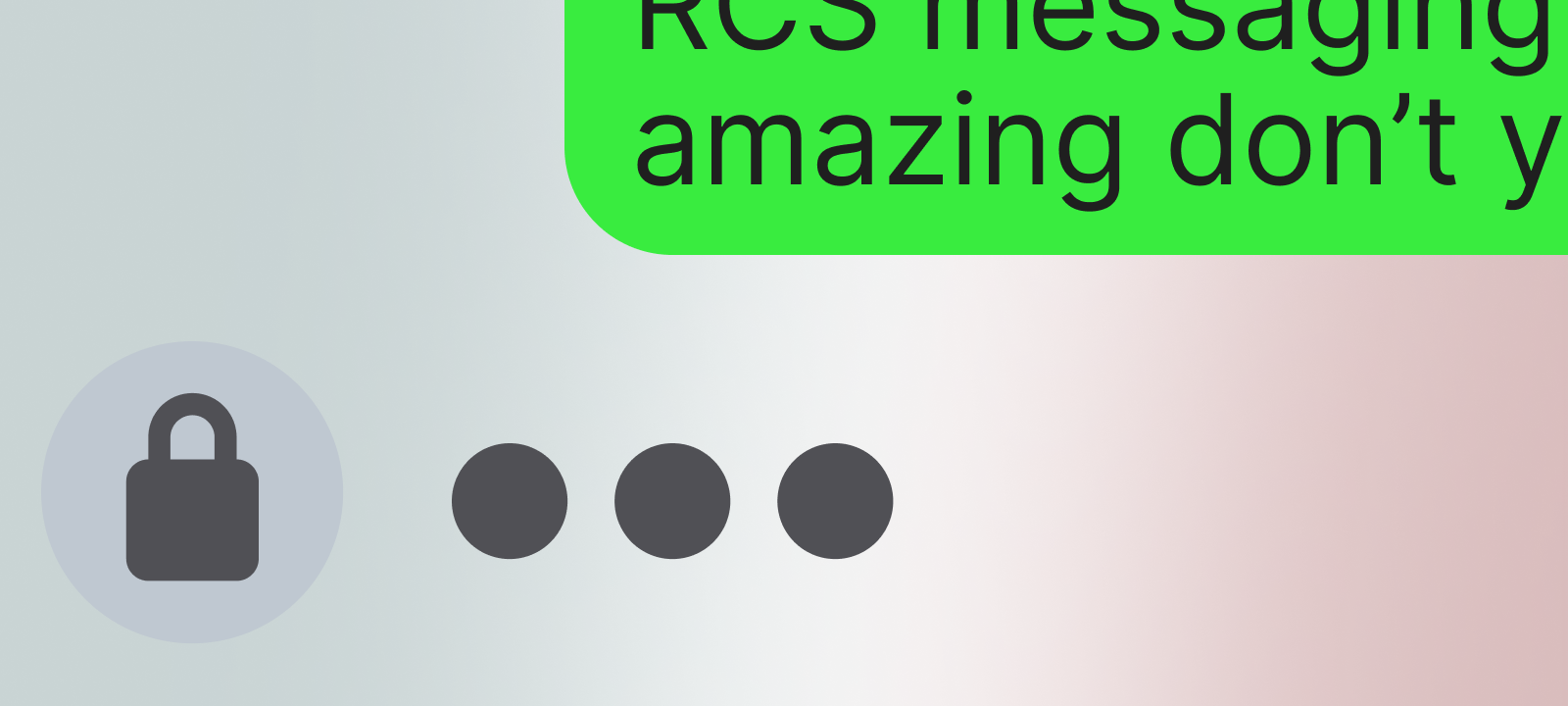
One of the more user-visible privacy improvements this week is the rollout of end-to-end encrypted RCS messaging in beta. Apple announced on May 11, 2026, that iPhone users running iOS 26.5 will begin seeing a new lock icon in RCS chats when those conversations are end-to-end encrypted. Apple says the feature is rolling out in beta for iPhone users on supported carriers and Android users on the latest version of Google Messages.
RCS is the newer messaging standard meant to replace older SMS text messaging. For years, messages between iPhone and Android users have not had the same privacy experience as iMessage conversations between Apple users. This week’s rollout does not solve every messaging issue overnight, but it is a step in the right direction.
Apple says encrypted RCS conversations cannot be read while they are sent between devices. Apple also says encryption is on by default and will be automatically enabled over time for new and existing RCS conversations. Users will know that a conversation is end-to-end encrypted when they see the new lock icon.
This matters because families and friend groups often mix iPhone and Android devices. A privacy improvement that works across platforms can help protect more ordinary conversations, not just conversations between people using the same brand of phone.
There is one important caution. This is still described as a beta rollout. It depends on compatible software, supported carriers, and supported messaging apps. If the lock icon is not visible, users should not assume that a conversation is encrypted. Apple’s own announcement points users to the lock icon as the signal that encryption is active.
What encrypted RCS means in daily life
For most people, the practical advice is simple: look for the lock icon before assuming that a cross-platform conversation is end-to-end encrypted.
This is especially useful for conversations that include personal details, travel plans, family logistics, medical appointments, financial discussions, account recovery codes, or anything else that should not be exposed through plain old text messaging.
That said, encrypted RCS is not a reason to send passwords, Social Security numbers, banking details, or other sensitive information casually. Encryption helps protect messages in transit, but it does not prevent every risk. A message can still be seen by someone who has access to an unlocked phone. A screenshot can still be taken. A compromised device can still expose private conversations.
Privacy is strongest when good tools are paired with good habits.
Fake Apple security updates are back in the spotlight
The most concerning Mac malware story this week involves a new SHub infostealer variant known as Reaper. BleepingComputer reported on May 18, 2026, that this malware uses AppleScript to show a fake Apple security update message and install a backdoor. The report says the malware can steal browser data, collect documents and files that may contain financial details, and target cryptocurrency wallet apps.
The scam is dangerous because it borrows language and visuals that sound familiar to Mac users. A fake “security update” prompt can feel more trustworthy than a random download warning. That is the trick.
According to the report, Reaper uses the applescript:// URL scheme to launch macOS Script Editor with malicious AppleScript already loaded. The user is then pushed toward running the script. The fake message references XProtectRemediator, which is a real Apple security component, but the message itself is part of the attack.
This is a good example of a modern Mac threat. The attack is not just about a hidden technical weakness. It is about persuasion. The user is led through steps that make the attack possible.
The same report says the fake installers were presented as apps such as WeChat and Miro, using deceptive domains that could look legitimate to less experienced users. The malicious sites also checked visitor details, including signs of virtual machines, VPNs, browser extensions, password managers, and cryptocurrency wallets.
For home users, the message is clear: do not trust a security update prompt that appears inside a random website or installer.
How to avoid fake Mac security update scams
Real Apple software updates should come from Apple’s built-in update system or from the App Store, depending on the software involved. A website should not need to open Script Editor. A normal app installer should not ask a user to run pasted code. A Mac security update should not require copying commands into Terminal from a web page.
A few simple rules can prevent a lot of trouble:
First, update macOS through System Settings > General > Software Update.
Second, download apps from the Mac App Store or directly from the developer’s known official website.
Third, be suspicious of any website that says a Mac is infected, outdated, blocked, or unsafe, then asks for unusual steps.
Fourth, do not run AppleScript, Terminal commands, shell scripts, or “fix” commands from a website unless there is a very clear reason and the source is trusted.
Fifth, if a message claims to be from Apple but appears inside a browser page, installer window, or random download flow, stop and verify through Apple’s own settings.
This is not about being afraid of the Mac. It is about recognizing that attackers often imitate trusted names because trust is what gets people to click.
Researchers used AI to help find a macOS vulnerability
Artificial intelligence also appeared in Apple security news this week, but not in the way many people might expect.
MacRumors reported on May 14, 2026, that researchers at cybersecurity firm Calif used Anthropic’s Claude Mythos Preview to help uncover a macOS security vulnerability. The researchers reportedly used the AI model to write code that connected two macOS bugs into a privilege escalation exploit. In simpler terms, that means the research involved turning separate weaknesses into a way to gain higher access on a Mac.
The researchers said the exploit would not have been possible with AI alone. Human expertise was still required. That distinction matters. AI did not magically replace security researchers, but it helped speed up part of the work.
Apple said it was reviewing the report to validate the findings, according to the same MacRumors article.
For consumers, this story has two sides.
The good side is that AI can help defenders find and fix security problems faster. If used responsibly, that can mean better protection for everyone.
The concerning side is that the same general kind of assistance could also help attackers move faster. Security teams, software makers, and platform owners will need to adapt as AI tools become better at reading code, testing assumptions, and helping build working examples.
This does not mean everyday Mac users need to understand exploit development. It does mean security updates may become even more important. If AI helps people find bugs faster, then installing patches promptly becomes one of the simplest defenses available to normal users.
Privacy may become Siri’s main selling point
Apple’s AI story this week was also tied closely to privacy.
The Verge reported on May 17, 2026, that Apple is expected to make privacy a key difference in a more chatbot-like Siri experience. According to the report, the revamped Siri planned for iOS 27 may include options to automatically delete chat histories after 30 days, after one year, or to keep them indefinitely.
That is a useful privacy idea because AI assistants can become very personal very quickly. People may ask AI tools about health worries, family situations, money problems, work emails, school assignments, private plans, or personal decisions. If an assistant keeps long-term memory by default, that can create convenience, but it can also create privacy concerns.
The reported approach would give users more direct control over how long AI chat history remains available. The Verge also reported that Apple appears to be setting tighter limits around how memory works, including what information can persist and how long it can be retained.
This fits Apple’s broader pattern of trying to make privacy part of its product identity. It also shows the tension in modern AI. Users often want smarter assistants that remember context, but they also want private assistants that do not keep too much for too long.
The best version of AI for consumers may be one where people can clearly see what is saved, change how long it is saved, and delete it easily.
What Apple users should watch for with AI features
AI features can be useful, but they should be treated like any other tool that handles personal information. Before using a new AI assistant deeply, users should look for plain answers to a few questions.
- What information does it save?
- Can the saved information be deleted?
- Can chat history be turned off or shortened?
- Does the feature run on the device, in a private cloud system, or through a third-party model?
- Does the app explain these choices clearly?
These questions are not meant to scare people away from AI. They help people use AI with their eyes open. A writing helper, summary tool, photo feature, or smarter assistant can be useful, but users should still understand what they are sharing.
For Apple users, the biggest thing to watch over the coming weeks is how Apple explains privacy controls around Siri and Apple Intelligence. The clearer those controls are, the easier it will be for ordinary users to make safe choices.
The bigger trend: Mac attacks are becoming more human-focused
This week’s stories point in the same direction. Apple is patching technical weaknesses. Researchers are using AI to find new ones. Messaging privacy is improving. Malware authors are still trying to trick people with fake updates and fake installers.
For most Mac users, the biggest everyday risk is still not a Hollywood-style hack. It is a convincing prompt, a fake download, a malicious ad, a lookalike website, or a set of instructions that appears to fix a problem.
Modern attackers often do not need to defeat every Apple security feature directly. They try to persuade users to help them. They may claim the Mac needs an update. They may pretend an app is required. They may say a browser is out of date. They may offer a free utility, cleaner, converter, wallet tool, AI helper, meeting app, or security scanner.
That is why security habits matter. A fully updated Mac is stronger than an outdated Mac, but a fully updated Mac can still be put at risk if the user is tricked into running something unsafe.
A simple checklist for this week
Mac users can take a few practical steps this week:
- Check for macOS updates and install available security updates.
- Look for the lock icon before assuming an iPhone-to-Android RCS chat is end-to-end encrypted.
- Avoid software downloads from sponsored search results, social media links, pop-ups, and unfamiliar domains.
- Do not run Terminal commands, AppleScript, or “fix” scripts copied from websites.
- Be cautious with any message that claims to be an Apple security update outside of System Settings.
- Use strong, unique passwords and keep them in a trusted password manager.
- Turn on two-factor authentication for Apple ID and important accounts.
- Back up important files with Time Machine or another trusted backup method.
- Keep browsers and commonly used apps updated.
- Slow down when a warning uses urgency, fear, or pressure.
- These steps are simple, but they work because many real attacks depend on rushing people.
 SecureMac is dedicated to cutting through the noise and helping people stay safe, informed, and confident with their Macs. Lover of all things mac-security.