Why Small Mac Security Habits Still Matter
The first week of May 2026 is another reminder that modern Mac security threats are often less about highly technical exploits and more about manipulation, deception, and trust. While Apple continues strengthening macOS with security patches and background protections, many successful attacks against Mac users now begin with something far simpler: a convincing website, a fake app installer, or a sponsored search result that looks legitimate.
Over the past week, researchers have highlighted several campaigns targeting macOS users through fake download pages, malicious search advertisements, ClickFix-style social engineering, and infostealer malware such as MacSync Stealer. These attacks are designed to trick users into bypassing Apple’s protections themselves by pasting commands into Terminal, approving suspicious permissions, or installing software from untrusted sources.
The good news is that the safest response remains practical and manageable. Keep macOS updated, leave Apple’s background security protections enabled, avoid downloading apps through sponsored links, and treat unexpected Terminal instructions as a major warning sign.
Apple’s Latest macOS Security Updates
Apple currently lists macOS Tahoe 26.4.1 as the latest version of macOS. Although the update itself does not include a large published list of CVEs, the earlier macOS Tahoe 26.4 release introduced numerous security fixes affecting WebKit, privacy controls, Mail protections, Keychain access, and other sensitive parts of the operating system.
For most Mac users, the details behind individual vulnerabilities matter less than the overall pattern. Apple regularly patches issues involving sensitive user data, sandbox protections, browser security, and permission enforcement. These fixes are often invisible to users, but they play a major role in keeping macOS secure over time.
Safari and WebKit updates are especially important because so much daily activity happens through the browser. Security fixes involving cross-site scripting, fingerprinting, content isolation, and origin protection can help prevent malicious websites from accessing information they should never see.
Background Security Improvements Matter
Apple’s newer Background Security Improvements system allows certain protections to be delivered between full operating system updates. Apple says these lightweight updates can include fixes for Safari, WebKit, and other system components that benefit from faster deployment.
This matters because browser-related vulnerabilities can become dangerous very quickly once attackers begin exploiting them. Allowing Apple to install these smaller security improvements automatically helps reduce exposure between major macOS releases.
Mac users should verify that automatic Background Security Improvements remain enabled under System Settings > Privacy & Security.
Fake Search Ads and the Rise of MacSync Stealer
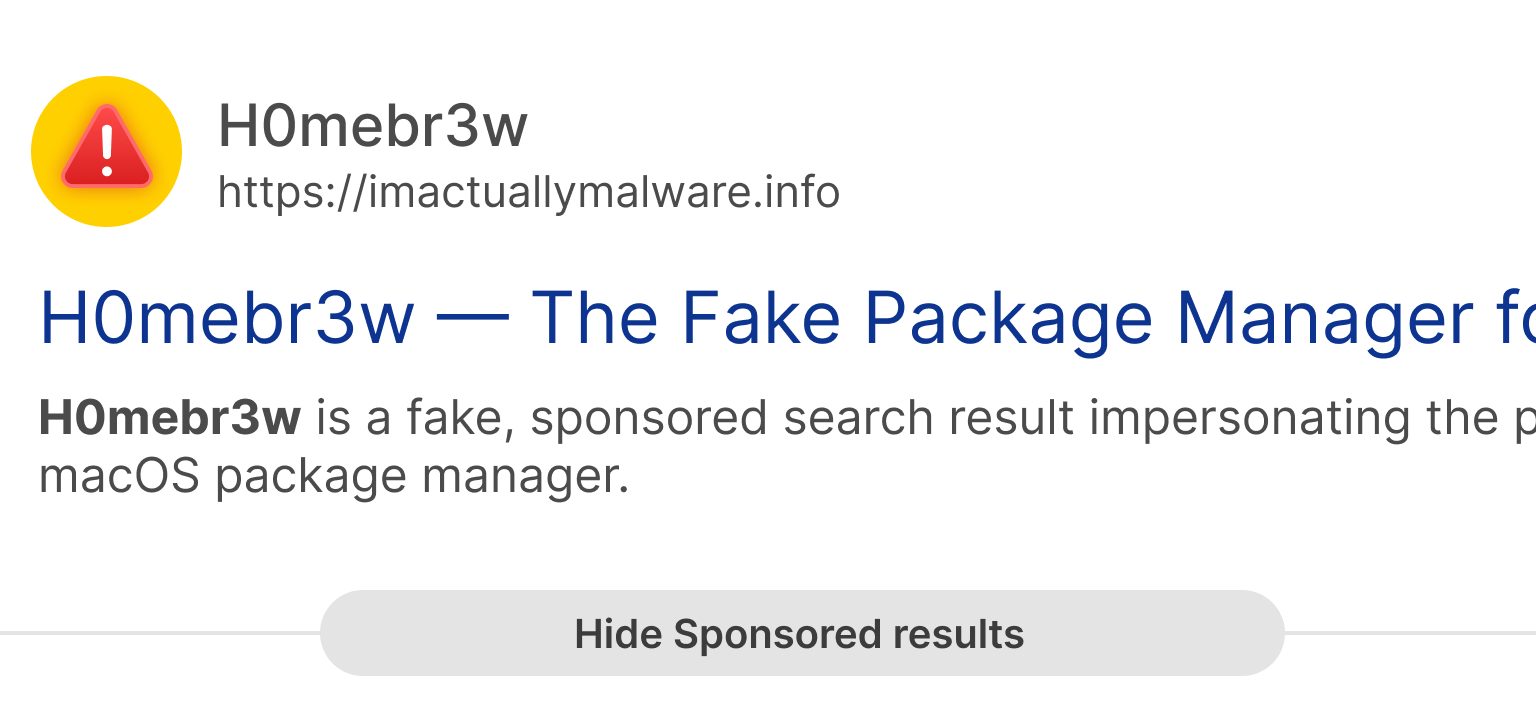
One of the clearest security stories this week involved fake sponsored search results impersonating Homebrew, a popular macOS package manager used by developers and technical users. Researchers reported that attackers were using malicious advertisements and lookalike websites to distribute MacSync Stealer instead of legitimate software.
The attack itself reflects a much larger trend affecting Mac users. Criminals increasingly abuse search ads, SEO poisoning, and cloned websites to place malicious downloads directly in front of people already looking for trusted tools.
In many cases, the malicious page instructs users to paste commands into Terminal, disable security protections, or install suspicious profiles. Once installed, infostealer malware can target browser passwords, session cookies, crypto wallets, developer credentials, screenshots, and Keychain data.
ClickFix Attacks Are Becoming a Serious Mac Threat
ClickFix attacks rely heavily on social engineering rather than technical exploits. A malicious webpage pretends something is broken, then provides step-by-step instructions that supposedly ‘fix’ the problem. In reality, those instructions install malware.
Security researchers from Sophos, Microsoft, and Malwarebytes have all reported increasing ClickFix activity aimed at macOS users. These campaigns commonly use fake CAPTCHA pages, fake browser errors, and fake software installation prompts that convince users to copy commands into Terminal.
No legitimate CAPTCHA should require Terminal access. Likewise, ordinary websites should never require users to paste mystery scripts or enter a Mac password simply to continue browsing.
Fake Apps Continue to Target Mac Users
Attackers understand that Mac users frequently search for utilities, AI tools, PDF converters, media downloaders, browser helpers, and system cleaners. As a result, fake versions of popular software remain one of the most effective malware delivery methods on macOS.
Recent campaigns have distributed malware through fake AI applications, malicious DMG installers, and spoofed productivity tools. Once installed, these apps may attempt to steal saved passwords, browser sessions, cryptocurrency wallet data, screenshots, or sensitive documents.
The safest approach is to download software directly from trusted developers or the Mac App Store whenever possible. Users should also pay close attention to permission requests involving Full Disk Access, Accessibility, Screen Recording, or Keychain-related access.
Privacy Permissions Deserve Regular Review
macOS privacy controls are designed to limit what applications can access, but those protections only work when users review permissions carefully.
Applications such as video conferencing software may legitimately require camera and microphone access, while backup utilities may need broader file permissions. However, many apps request far more access than they actually need.
Reviewing permissions under System Settings > Privacy & Security can help identify apps that no longer need access to sensitive data or system features. Removing unused applications and unnecessary permissions is one of the simplest ways to reduce long-term risk.
Browser Security Remains Central to Mac Security
Because so much modern life happens through the browser, Safari and WebKit security updates remain some of the most important protections Apple delivers. Banking, cloud storage, email, social media, online shopping, password recovery, and document sharing all depend on secure browser behavior.
Mac users should keep browsers updated, remove extensions they no longer use, and avoid installing extensions from unknown developers. Browser extensions can often read and modify data across websites, which means they may gain access to sensitive information if abused.
AI Tools Are Becoming Part of the Privacy Conversation
Artificial intelligence tools are now part of everyday computing, and attackers are already taking advantage of the trend. Fake AI installers and malicious AI-themed applications have increasingly been used to distribute malware targeting macOS users.
At the same time, AI services can introduce legitimate privacy questions depending on how they process user data. Before uploading sensitive documents or personal information into an AI service, users should understand whether the data is processed locally or stored in the cloud.
As with any other software category, Mac users should avoid downloading AI tools from sponsored search results or unfamiliar websites.
What Mac Users Should Do This Week
• Install the latest macOS and Safari updates.
• Leave Background Security Improvements enabled.
• Avoid downloading apps through sponsored search results.
• Never paste Terminal commands from websites unless you fully understand them.
• Review sensitive privacy permissions regularly.
• Remove unused browser extensions and outdated apps.
• Use strong passwords and enable two-factor authentication.
• Be cautious with AI apps, crypto tools, browser helpers, and system utilities.
Bottom Line
The biggest Mac security lesson this week is not about a single dramatic vulnerability. Instead, it is about how modern attacks increasingly rely on trust, urgency, and convincing user interfaces rather than pure technical sophistication.
Apple continues strengthening macOS through regular updates, browser protections, and background security improvements. But users still play a major role in staying safe online. Careful downloading habits, healthy skepticism toward sponsored results, and attention to privacy prompts can prevent many of the most common Mac-focused threats seen today.
For most people, Mac security does not need to be complicated. Staying updated, slowing down before installing unfamiliar software, and avoiding suspicious Terminal instructions will go a long way toward keeping a Mac secure.
 SecureMac is dedicated to cutting through the noise and helping people stay safe, informed, and confident with their Macs. Lover of all things mac-security.