Apple macOS Privacy and Security Update, April 2026
April has been a revealing month for Mac security.
On one side, Apple has kept pushing security fixes out through normal macOS updates and through its newer Background Security Improvements system. As of April 20, 2026, Apple’s security releases page lists macOS Tahoe 26.4.1 from April 9 as the latest macOS update, while macOS Tahoe 26.4 from March 24 remains the most recent Mac release with a published security advisory full of CVE details. Apple also says Background Security Improvements are supported starting with macOS 26.1 and can install automatically from Privacy & Security settings
On the other side, attackers have been getting better at making dangerous actions look normal. The biggest stories hitting Mac users right now are not just classic software bugs. They are fake fixes, fake updates, fake prompts, fake job interviews, fake Zoom downloads, and fake “helpful” instructions that push people into running the attack themselves. Microsoft, Jamf, BleepingComputer, and others all pointed to the same broader pattern this month: modern Mac attacks are increasingly built around trust, not just technical exploits.
That shift matters for home users. For years, many Mac owners have heard some version of the same comforting line: Macs are safer, so ordinary caution is enough. There is some truth in that. Apple still has strong built-in protections. But this month’s news shows that the real question is not just whether macOS has good defenses. It is whether people can tell the difference between a real system workflow and a polished fake.
This month also brought another kind of privacy story, one that sits in a gray area between safety and surveillance. World, the identity project tied to Sam Altman, announced broader “proof of human” integrations for services including Tinder, Zoom, and DocuSign. The pitch is simple: prove you are a real human in an internet full of bots, deepfakes, and AI agents. But the method, involving face and eye scanning through World’s Orb system, raises familiar questions about convenience, consent, and what people may give up in exchange for a cleaner internet.
For Mac users, these stories are connected. Apple is trying to make harmful behavior harder. Attackers are trying to make harmful behavior look routine. And some companies are responding to AI fraud by asking for more identity, more verification, and in some cases more biometric data. The result is that April 2026 has become a month where privacy and security are no longer separate conversations. They are the same conversation.
Apple’s April message is simple: update your Mac, and leave fast security fixes turned on
The most solid piece of macOS security advice this month is also the least glamorous. Keep your Mac current.
Apple’s support pages show macOS Tahoe 26.4.1 as the latest macOS release as of April 20. Apple says this update provides bug fixes, and its security releases page notes that it has no published CVE entries. That does not mean it is unimportant. It means Apple did not publish specific vulnerability entries for it. For most home users, the practical takeaway is still the same: if Apple says an update is recommended, install it.
The bigger security payload this month came with macOS Tahoe 26.4, released March 24 but still central to April’s security picture. Apple’s security advisory for 26.4 lists a long set of fixes touching everything from sensitive user data exposure to web security and privacy issues. For ordinary Mac users, the most meaningful part is not memorizing the CVE numbers. It is understanding that Apple patched multiple weaknesses that could affect browsing, private data handling, mail privacy behavior, app access, and system protections.
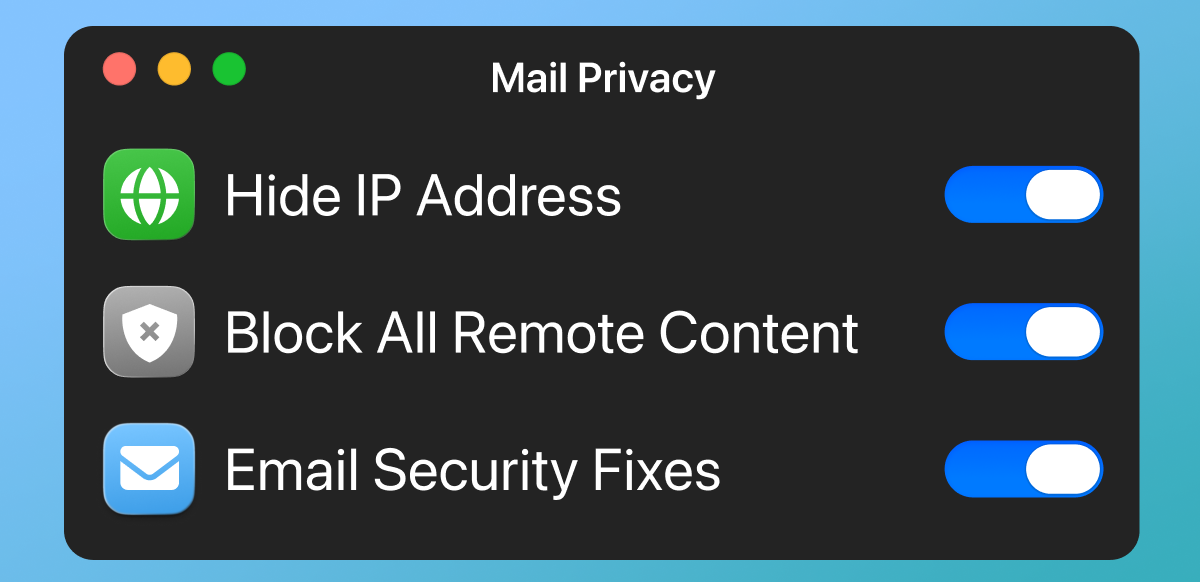
A few examples stand out. Apple says macOS 26.4 fixed a Mail issue where “Hide IP Address” and “Block All Remote Content” might not apply to all mail content. It also fixed an iCloud privacy issue where an app may have been able to access sensitive user data, and a Crash Reporter issue where an app may have been able to enumerate a user’s installed apps. These are not flashy bugs, but they matter because they touch the kind of quiet privacy leaks that people often assume are already handled.
Apple also patched several WebKit issues in macOS 26.4. Those included a same-origin policy bypass, a Content Security Policy enforcement problem, a cross-site scripting route, access to script message handlers meant for other origins, and a webpage fingerprinting issue in WebKit Sandboxing. In plain English, this means Apple spent part of this cycle fixing the kind of browser and web-content weaknesses that can make a normal browsing session less private or less safe than it appears. Since WebKit underpins Safari and other Apple software components, those fixes matter even for people who are not thinking in terms of browser-engine security.
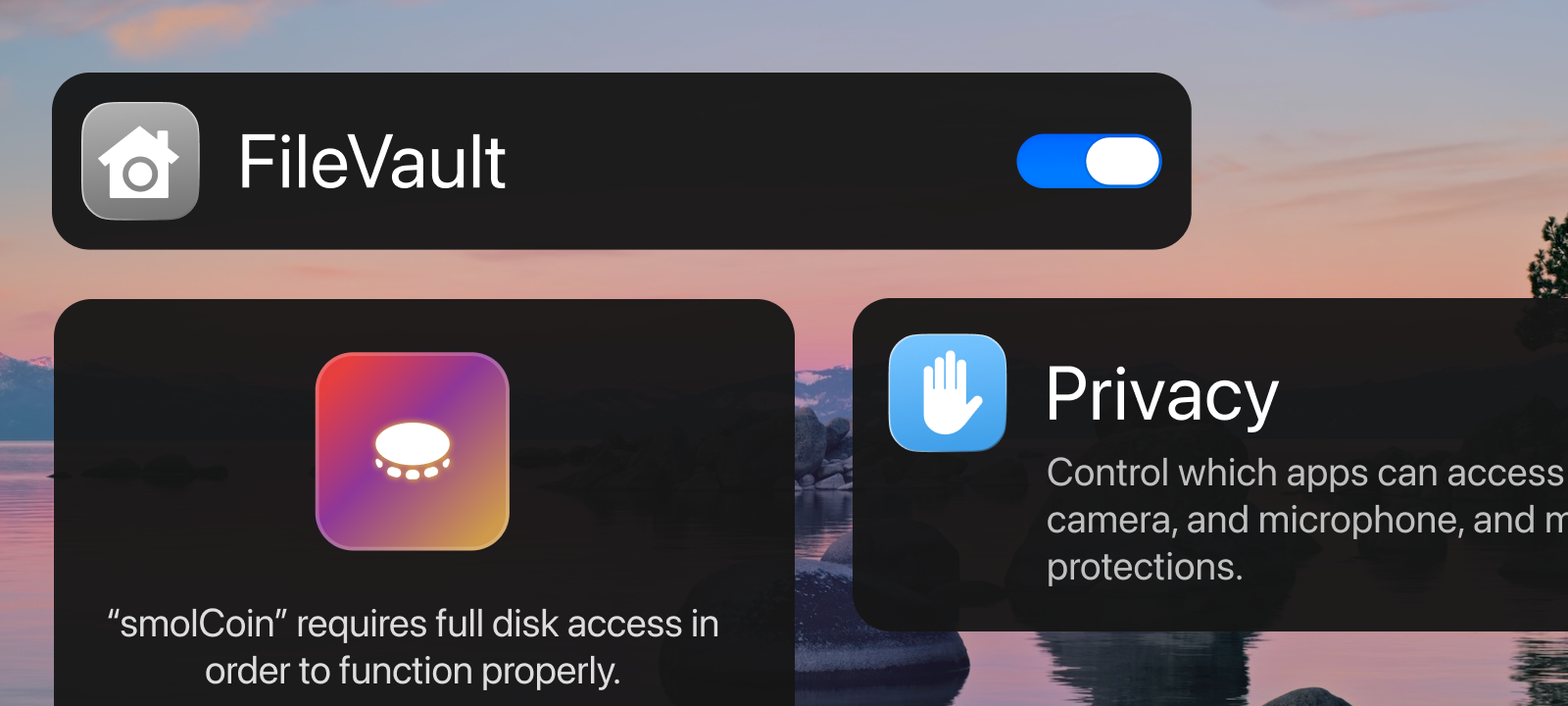
This month also continued Apple’s newer approach to quiet security maintenance. Apple says Background Security Improvements deliver “additional security protections between software updates,” cover components such as Safari, WebKit, and other system libraries, and are supported from macOS 26.1 onward. On a Mac, the setting lives under System Settings, then Privacy & Security, then Background Security Improvements. Apple recommends keeping “Automatically Install” turned on.
That matters because the old model of waiting for a large visible operating system update is not enough anymore. Apple is now more openly building a layered update system, where some security protections can arrive between the headline releases people notice. For home users, this is good news. Smaller fixes can land faster. But it also means Mac security now depends more on not turning off the quiet parts just because they are less obvious.
The month’s biggest Mac threat theme is not a single bug. It is manipulation.
The most important attack lesson of April 2026 is that many Mac compromises now begin with a user being talked into helping the attacker.
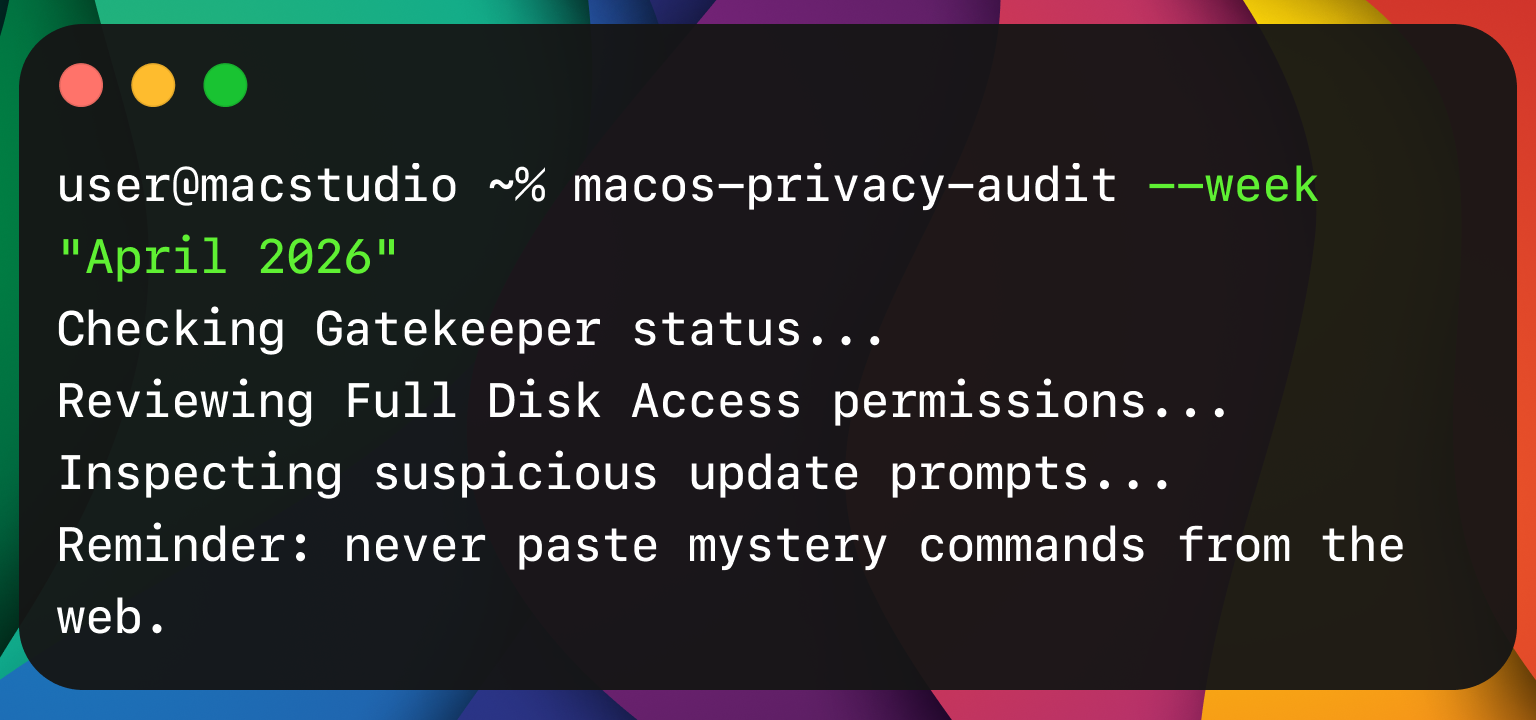
That is the logic behind ClickFix and similar schemes. In these attacks, a website, a fake support page, a fake prompt, or a fake workflow tells the victim to copy and paste something into Terminal or another trusted tool. The command looks technical enough to feel official. The instructions sound urgent enough to feel necessary. And because the victim is the one performing the action, the attack can slide past some of the defenses people assume will save them automatically.
Apple appears to have recognized that pattern. macOS Tahoe 26.4 introduced a Terminal protection that blocks pasted commands considered potentially harmful and warns users that scammers often encourage pasting text into Terminal to harm the Mac or compromise privacy. Reporting around the feature tied it directly to the growth of ClickFix-style attacks. This is one of the more interesting consumer security changes Apple has made recently, because it is not only about blocking malicious code. It is about interrupting a malicious script before the person helps run it.
That is the good news. The bad news is that attackers adapted quickly.
Jamf Threat Labs reported on April 8 that it found a ClickFix-style attack on macOS that used the applescript:// URL scheme to open Script Editor instead of Terminal, delivering the Atomic Stealer infostealer payload while bypassing the new Terminal-centered friction. In other words, if Apple made one trusted tool harder to abuse, attackers looked for another trusted tool that still felt normal enough to fool people.
That should change how people think about Mac safety. The old instinct is to ask, “Did Apple patch the bug?” The newer and better question is, “Would I have recognized the workflow as fake before I clicked through it?” A warning can help, but a warning cannot replace judgment. If a website suddenly wants to launch Script Editor, or paste commands into Terminal, or install a Zoom “SDK update” outside the usual app channels, the safest assumption is that something is wrong.
Fake interviews, fake Zoom updates, and Mac malware that rides on trust
The Microsoft research published on April 16 drove this point home in a more targeted but still very relevant way.
Microsoft said it uncovered a macOS-focused campaign by the North Korean threat actor Sapphire Sleet. The campaign relied on social engineering rather than software exploits. According to Microsoft, the attackers impersonated legitimate software updates and used user-driven execution to steal passwords, cryptocurrency assets, and personal data. Microsoft said the campaign used fake recruiter profiles, job conversations, interview scheduling, and malicious software disguised as a video conferencing tool or software development kit update.
For many people, a state-backed operation can sound remote, like something that only affects executives, investors, or crypto insiders. That is partly true. Microsoft specifically described elevated risk for organizations and individuals tied to cryptocurrency, digital assets, finance, and similar high-value targets. But the consumer lesson is broader than the specific target list. The technique works because it looks familiar. A remote interview. A conferencing update. A trusted system prompt. A request to fix something before a meeting starts. None of that sounds exotic anymore. That is why the method is dangerous.
Microsoft also said Apple implemented updates to help detect and block infrastructure and malware associated with the campaign after responsible disclosure. That is an important detail. It shows Apple is not standing still. But it also reinforces the bigger pattern of this month: Apple can improve detection and platform protections, yet attackers can still get traction by leading people outside the safe path before the Mac has a chance to stop everything.
So what does that mean at home?
It means Mac users should get stricter about where software comes from. If Zoom, Discord, Telegram, a browser, or any other common app needs an update, the safest route is to open the app itself, use its built-in update flow, or go directly to the official company website. Do not install a “required update” because a website, chat message, recruiter, pop-up, or document tells you to. That rule sounds basic, but it matches the attack design we are seeing now. The weakest point is not the Mac. It is the moment a person agrees to treat an outside instruction as if it came from the app itself.
It also means that the words “Mac malware” should no longer call up only old stereotypes like pirated software or shady download portals. Some of the most effective Mac attacks now wear respectable clothes. They can look like work, dating, verification, support, productivity, or help. They do not always arrive through an obviously sketchy site. They often arrive through an apparently normal request delivered at the right moment.
A quieter privacy story inside Apple’s own fixes
Not every important privacy story this month came from attackers. Some came from the kinds of gaps Apple itself had to close.
One of the more notable examples in macOS 26.4 was the Mail fix. Apple says the privacy controls “Hide IP Address” and “Block All Remote Content” may not have applied to all mail content before the fix. People who use those settings generally do so because they want fewer tracking signals leaking back to senders. The fact that Apple had to patch this is a reminder that privacy tools are not magic shields. They are implementations, and implementations can fail or behave inconsistently until corrected.
The same goes for web security. Apple’s 26.4 fixes included issues involving same-origin policy, content security policy, cross-site scripting, script message handlers, and fingerprinting. These are the kinds of terms that usually get filtered out of consumer coverage because they sound too technical. But they map to simple privacy truths. A malicious website should not be able to act like another site. One site should not be able to peek where it does not belong. A web page should not get extra opportunities to identify or track you. When Apple patches those categories, it is patching the plumbing that everyday privacy depends on.
Another reason this matters is that many people still separate “security updates” from “privacy updates” in their minds. They imagine security as malware and privacy as settings. April’s macOS story argues against that split. Privacy on a Mac depends on security engineering. If a browser policy can be bypassed, that is a privacy problem. If mail content does not obey remote-content preferences, that is a privacy problem. If an app can access sensitive user data or infer what software you have installed, that is a privacy problem. And all of those can begin life as technical security flaws.
For home users, there is a useful mindset change here. Privacy is not only about choosing the right settings. It is also about staying current enough that the settings you already chose actually work the way you expect.
Tinder, Zoom, and the return of an old privacy question in a new AI era
The most unusual privacy story of the week may not have come from Apple at all. It came from the growing market for “proof of humanity.”
World announced a fresh push for World ID, its system for proving that a person is a unique human online, with new or expanded integrations tied to Tinder, Zoom, and DocuSign. Wired reported that Tinder users who verify through World can display a badge showing they are real humans, and that Zoom users can require other participants to verify identity with World before joining a call. World and other reports described the broader pitch as a response to bots, impersonation, and AI agents becoming harder to distinguish from real people.
The system is built around biometric enrollment. According to World-related materials and reporting, users can verify via the company’s Orb system, which scans face and eye information, then creates a World ID that is meant to function as privacy-preserving proof of human status rather than a public identity card. Verge reported that the orb-based method is expanding beyond the earlier Japan pilot into select markets including the United States, and that verified Tinder users can receive a badge and promotional boosts in the app.
World argues that the system is private by design. Wired reported that after a person scans with an Orb, the startup creates a unique cryptographic key called World ID, and World’s public materials describe the broader goal as proving humanness online “without revealing anything else.” Verge also reported World’s claim that encrypted images are stored on the user’s phone by default.
That is the attractive side of the argument. If the internet is filling up with fake accounts, scraped identities, romance scammers, bot swarms, voice clones, deepfakes, and automated spam, then maybe stronger human verification is worth considering. The case becomes even easier to understand in places like dating apps, contract signing, ticketing, or business calls, where impersonation can have real emotional or financial consequences.
But the privacy tradeoff is still real.
Wired noted that World has faced regulatory scrutiny and restrictions in multiple countries over privacy concerns. That does not automatically mean the system is unsafe or dishonest. It does mean people should slow down before treating “biometric anti-bot” systems as an obvious next step for daily life. The question is not only whether the company says the system is privacy-preserving. The question is also whether the average person understands what they are handing over, what is stored where, what future uses may be layered on top of the system, and what happens if identity verification becomes less optional over time.
For Mac users, this is not a niche debate. Macs sit at the center of work, finance, messaging, browsing, and increasingly AI-assisted online life. If platforms begin demanding stronger proof that a person is “real,” Mac users will be part of that shift whether or not it starts on the Mac itself. This makes the World story relevant even though it is not a native macOS feature story. It is part of the same privacy future Mac users are being asked to navigate: less anonymity, more verification, more friction, and more pressure to trust systems that promise security in exchange for identity data.
The smartest response is neither blind trust nor reflexive panic. It is careful skepticism. If a service says biometric verification is the price of safer interaction, ask what alternatives exist, what data is retained, what happens by default, and whether the service still offers less invasive ways to confirm identity. A cleaner internet is a real goal. But privacy losses sold as safety upgrades still deserve scrutiny.
What home Mac users should do right now
The good news in all of this is that ordinary Mac users do not need a complicated action plan. They need a disciplined one.
First, update to the latest version of macOS your Mac supports, and keep automatic installation of Background Security Improvements turned on. Apple’s own guidance makes clear that these lighter-weight fixes are now part of the platform’s security model, not a side feature.
Second, treat any request to paste commands into Terminal or Script Editor as suspicious by default. Apple’s new Terminal protection exists because this is now a common attack path, and Jamf’s findings show that attackers are already experimenting with nearby workarounds. Normal users should not have to paste mystery commands from a website to prove they are human, fix a problem, unlock a call, or update an app.
Third, install updates only from the app itself, the Mac App Store when applicable, or the official website of the developer. The Microsoft Sapphire Sleet research is a reminder that fake updates can be wrapped in very believable situations, including job interviews and remote meetings.
Fourth, keep a close eye on privacy settings that seem passive. Mail privacy options, browser protections, and background security settings all sound like things you set once and forget. April’s fixes are a reminder that they still depend on correct software behavior underneath. Revisit them after major updates and make sure they are still enabled.
Fifth, be careful with any service pushing biometric “proof of human” features. The threat from bots is real, but so is the long-term cost of normalizing more identity collection than people actually need. Convenience is not the same thing as necessity.
The bottom line for April 2026
Apple’s message this month is that Mac security is becoming faster, quieter, and more layered. That is a good direction. Background Security Improvements, large 26.4 patching work, and smaller follow-up updates show a company trying to shorten the time between risk and protection.
The attacker message this month is just as clear. If the platform gets better at stopping obvious malicious behavior, make the malicious behavior look ordinary. Make it look like support. Make it look like an interview. Make it look like a verification step. Make it look like a fix. That is the logic behind ClickFix-style social engineering, fake update flows, and the kinds of infection chains Microsoft and Jamf described.
And the privacy message this month is the hardest one. The internet’s growing AI problem is pushing platforms toward stronger human verification, but some of the proposed answers ask people to trade away more identity data in exchange for trust. Tinder and Zoom’s new ties to World ID put that debate in plain view. It is not enough to ask whether a system can reduce bots. We also have to ask what kind of internet we are building when the answer to fake people is more biometric proof from real people.
For Mac users at home, the practical lesson is straightforward. Keep your Mac updated. Leave background protections on. Slow down around prompts that ask you to do technical things quickly. Be skeptical of urgent fixes, especially if they arrive through the browser, chat, email, or a stranger’s instructions. And when a company offers more safety in exchange for more personal data, pause long enough to ask whether that trade is really worth making.
 SecureMac is dedicated to cutting through the noise and helping people stay safe, informed, and confident with their Macs. Lover of all things mac-security.